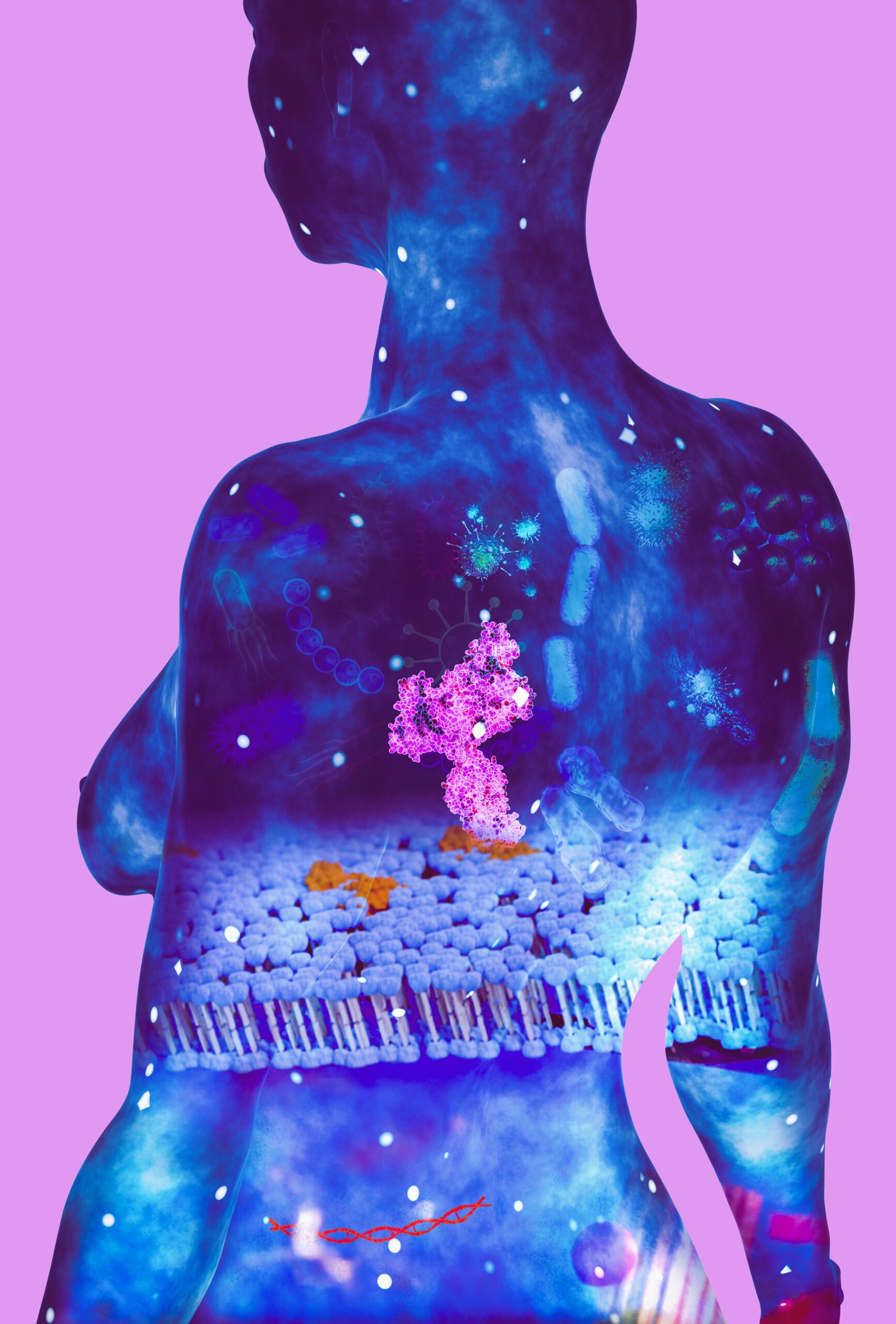

A breakdown of the tools behind my scientific visualization pipeline
Scientific illustration requires a unique blend of artistic tools, scientific awareness, and production-grade workflow. Over the years, I have refined a toolkit that helps me create everything from molecular models to full mechanism-of-action animations.
In this article, I’ll walk you through the core software, plugins, and techniques I rely on daily.
1. Blender — the main engine
Blender is the heart of my pipeline.
I use it for:
- 3D modeling
- shading
- lighting
- rigging (when needed)
- simulation
- rendering
- volumetric effects
- compositing
Why Blender?
- superb procedural workflows
- flexible shading system
- open-source (ideal for scientific reproducibility)
- massive community and plugin ecosystem
- brilliant for animation
Add-ons I commonly use:
- Molecular Nodes
- Node Wrangler
- MB-Lab (when human reference is needed)
- Import PDB plugins
- Tissue addon for cell-like structures
2. ZBrush — organic sculpting power
For high-detail elements, such as:
- proteins
- cell membranes
- organelle surfaces
- biological macro-structures
- anatomical forms
ZBrush gives unmatched sculpting freedom.
I often sculpt macro volumes in ZBrush and retopologize or decimate before bringing back into Blender.
3. Krita / Photoshop — 2D polishing
I use these primarily for:
- texture painting
- overpainting final renders
- diagram overlays
- labeling and scientific annotation
Krita’s brush engine is fantastic for biological textures, while Photoshop helps with precision and text.
4. DaVinci Resolve / After Effects
For video-based projects, including MoA sequences:
DaVinci Resolve:
- color grading
- editing
- timeline organization
- assembling client-ready sequences
After Effects:
- motion graphics
- labeling
- callouts
- UI-style elements
- final polish for animations
5. Scientific resources I integrate
RCSB Protein Data Bank
Indispensable for real molecular shapes.
UniProt & PubMed
For function, interactions, and biological context.
Microscopy references
cryo-EM, SEM/TEM images, histology — these guide my textures and density decisions.
6. Workflow overview: a typical project
Here is the production pipeline I follow for most scientific visualization projects:
Step 1 — Research
Read papers, gather molecular structures, understand mechanism.
Step 2 — Concept & sketching
Define viewpoint, storytelling, mood, visual priorities.
Step 3 — Modeling
Use Blender + ZBrush for macro and micro structures.
Step 4 — Texturing & shading
Build materials that feel biological: SSS, translucency, volumetrics.
Step 5 — Lighting
Choose a palette that emphasizes scientific clarity.
Step 6 — Animation (if needed)
Keyframe events, simulate dynamics, plan camera motion.
Step 7 — Compositing & polish
Color correction, labeling, depth management, glow passes.
Step 8 — Delivery
Render final stills or video sequences, provide layered assets.
7. Remote collaboration tools
Since I work with international clients, I use:
- Notion for project structure
- Google Drive / Dropbox
- Zoom / Meet for reviews
- Frame.io for animation feedback
This keeps production smooth and predictable.
Final words
A scientific illustrator’s toolkit evolves constantly — new workflows, plugins, and technologies appear every year. But the core remains the same: use the right tools to tell scientific stories clearly and accurately.
If you’re interested in working together on scientific, medical, or educational visualization projects, feel free to get in touch — I’m always happy to collaborate.